

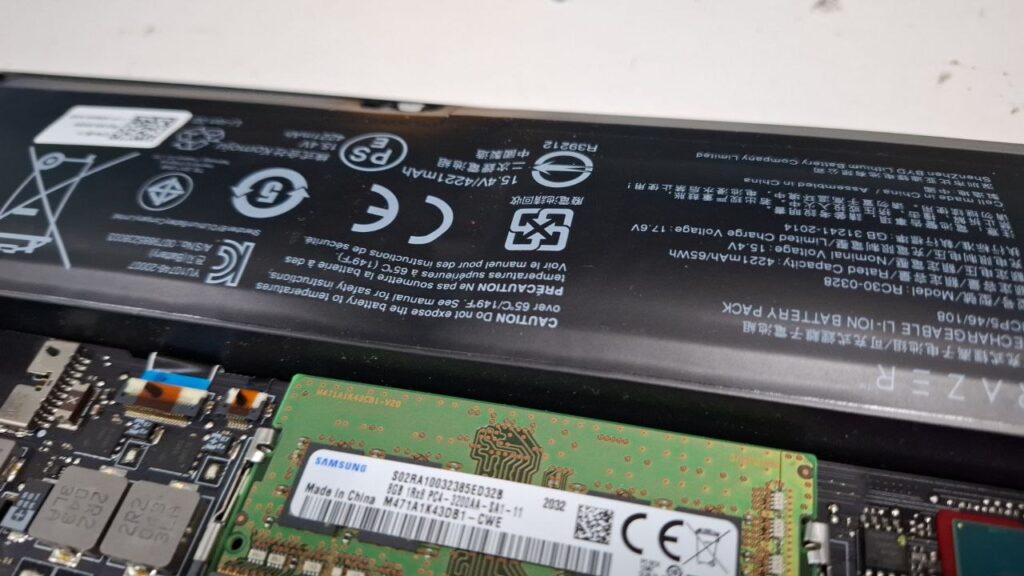
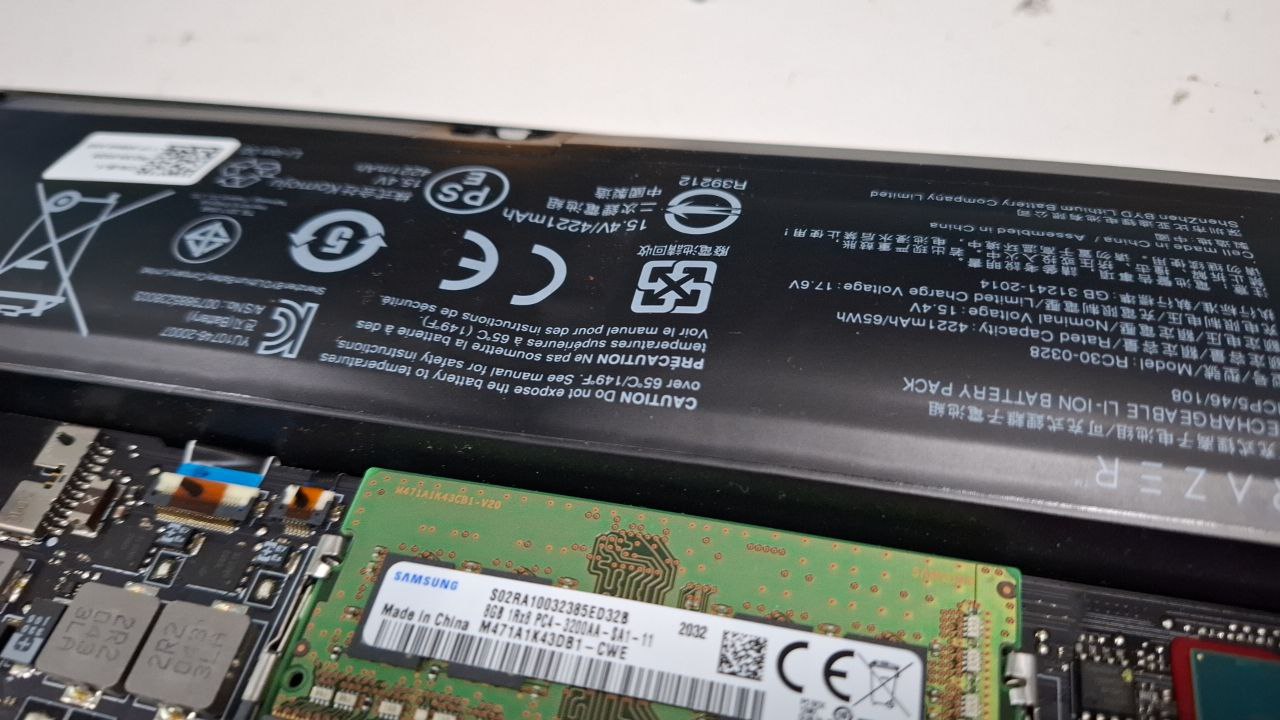
If you notice your laptop casing starting to bulge, your keyboard lifting, or your trackpad behaving strangely, you may be dealing with a swollen battery. This is a serious issue that should not be ignored.
Laptop battery swelling can cause internal damage to your laptop and may worsen over time if left unaddressed. Recognizing the warning signs early allows you to take action before more costly repairs are needed.
What Is Laptop Battery Swelling?
Laptop battery swelling occurs when the lithium-ion battery inside your device begins to degrade. Over time, chemical reactions within the battery can produce gas, which causes the battery to expand.
Because laptops are tightly packed, even slight expansion can put pressure on internal components like the keyboard, trackpad, and motherboard. This is why swelling often leads to visible physical changes in the device.
Common Causes of Laptop Battery Swelling
Battery swelling is usually caused by a combination of wear and environmental factors.
Some of the most common causes include:
- Prolonged charging or leaving the laptop plugged in constantly
- Exposure to high temperatures or poor ventilation
- Natural aging of the battery over time
- Using incompatible or low-quality chargers
In most cases, swelling develops gradually, which is why early signs are important to watch for.
Warning Signs You Should Never Ignore
Bulging or Warped Laptop Body
If your laptop no longer sits flat or you notice the bottom casing lifting, this is one of the clearest signs of a swollen battery. Even slight warping should be taken seriously.
Trackpad or Keyboard Issues
A bloated battery can push against internal components, causing the trackpad to become unresponsive or difficult to click. Keys may also feel uneven or harder to press.
Difficulty Closing the Laptop
If your laptop does not close properly or you notice a gap when shutting it, internal pressure from the battery may be the cause.
Overheating During Normal Use
If your laptop becomes unusually hot even during light tasks, it may indicate that the battery is no longer functioning properly and is under stress.
Reduced Battery Performance
You may also notice performance-related symptoms such as:
- Faster battery drain than usual
- Sudden shutdowns
- Inconsistent charging
These often appear before visible swelling occurs.
Why Battery Swelling Is Dangerous
A swollen battery can damage internal components and increase repair costs if not addressed early.
In more serious cases, the battery can become unstable, especially if it continues to expand or is exposed to heat. While rare, this may pose safety risks, which is why it is important to act quickly.
What Should You Do If Your Battery Is Swollen?
If you suspect battery swelling:
- Turn off your laptop immediately
- Avoid charging or continued use
- Do not attempt to press or puncture the battery
It is best to have the battery checked and replaced by a professional technician to avoid further damage.
Can a Swollen Battery Be Repaired?
A swollen battery cannot be repaired. The only safe solution is to replace it with a new, compatible battery.
Delaying replacement may lead to additional issues affecting other parts of the laptop.
How to Prevent Laptop Battery Swelling
To reduce the risk of battery swelling:
- Avoid keeping your laptop plugged in at all times
- Use your laptop on hard, flat surfaces for proper ventilation
- Keep your device in a cool environment
- Use original or certified chargers
These simple practices can help extend your battery’s lifespan.
Additional Tips for Handling a Swollen Battery
If your laptop battery is swelling, it’s important to act quickly.
According to Dell’s guidance on swollen batteries, users should stop using the device immediately and avoid applying pressure to the battery, as it may cause further damage or safety risks.
Since a swollen battery cannot be repaired, the safest solution is to have it replaced by a professional technician.
Need Help Replacing Your Laptop Battery?
If you notice any signs of battery swelling, it is important to act quickly to avoid further damage.
Visit us at Pronto Arigato Address: 60 Paya Lebar Road #13-09 Singapore 409051 (Accessible via Office Lobby 1)
Or simply contact us and we can arrange a FREE island-wide pickup for your convenience.
Explore Our Other Laptop Services
You may also find these services useful:
- Laptop Battery Replacement – Especially if your device is overheating and battery health is declining
- SSD Upgrade – Improve performance and reduce system strain
- RAM Upgrade – Better multitasking can reduce system stress and heat
Check out all our laptop repair services to keep your device running efficiently.
Conclusion: Laptop Battery Swelling Should Never Be Ignored
Laptop battery swelling is a clear warning sign that your device needs attention. Ignoring it can lead to more serious damage and higher repair costs.
If you notice any of the symptoms above, it is best to stop using your laptop and seek professional assistance as soon as possible.
